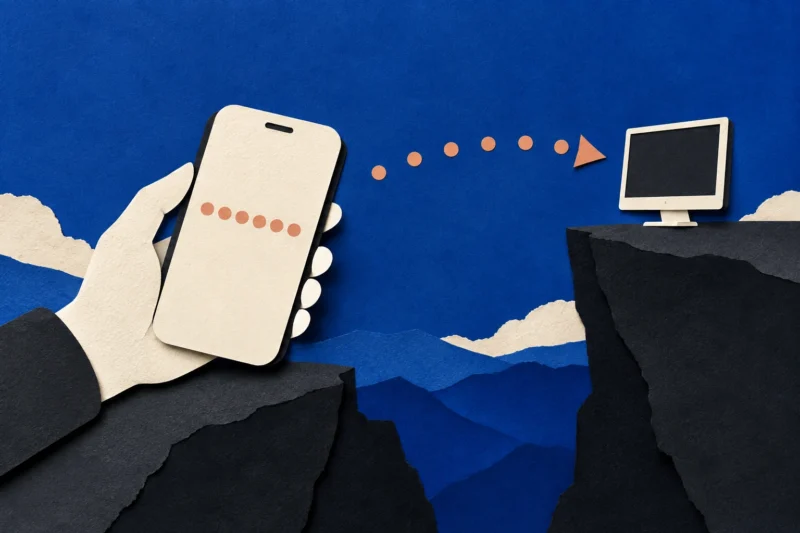
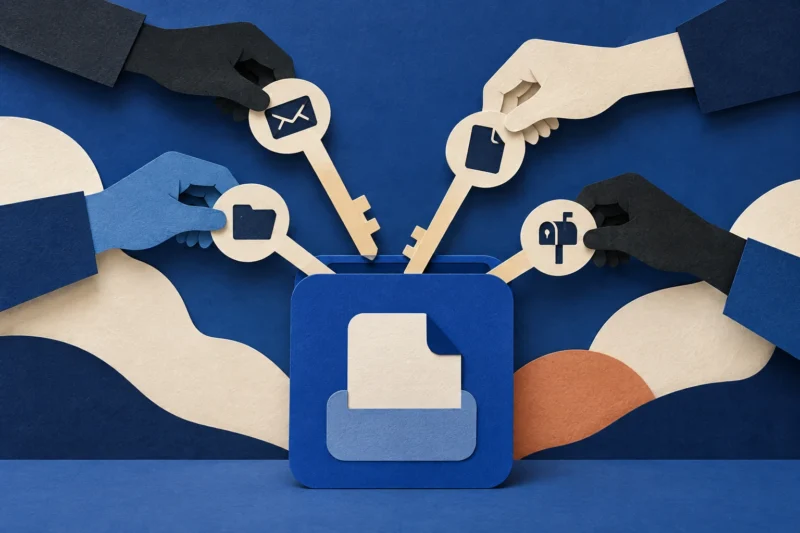
First the inbox floods. Then “IT support” arrives in Teams
A mail flood creates pressure for help. The crucial boundary is between a real disruption and an independently verified request for device access.
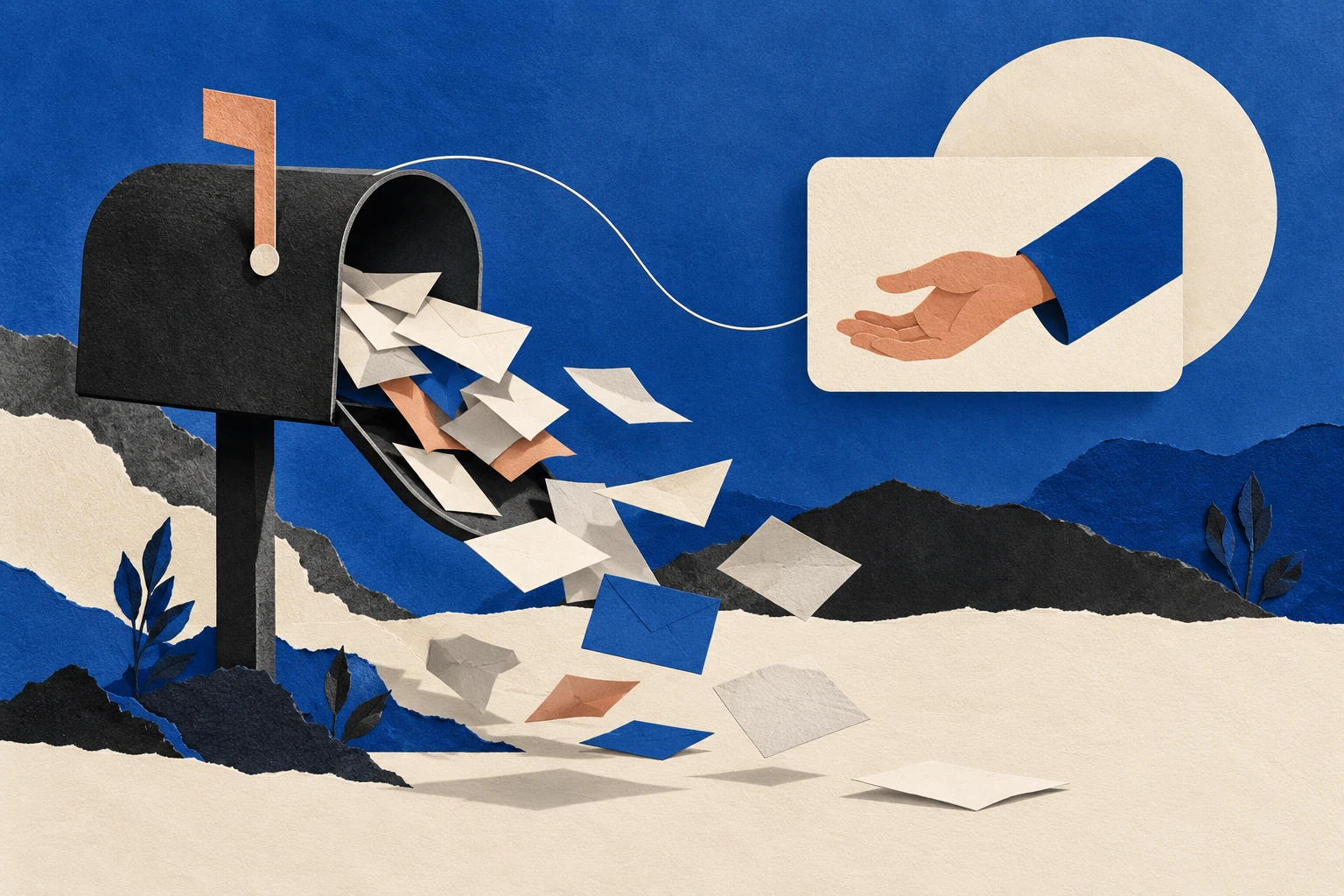
The first problem is real enough: an inbox fills with unwanted messages faster than its owner can dismiss them. The second message seems helpful. Someone in Teams says they work in IT and can stop the flood. A meeting, a screen share and a remote-support request follow. The apparent solution arrives while the employee is least able to examine it.
This is a useful social-engineering pattern to understand because it does not depend on a perfect fake invoice or a clever password page. It changes the recipient’s working conditions. Disruption creates demand for a rescuer. A familiar communication product then supplies a setting in which that rescuer can appear legitimate.
An email flood alone does not prove account compromise. An external Teams message alone is not malicious. The important question is whether an unverified person is converting the disruption into permission to control a device, obtain information or change account settings.
Separate the nuisance from the access request
Large volumes of unwanted mail impair normal work.
An unexpected helper asks for additional access.
Use an established support route to connect the two.
The employee should not have to solve the whole campaign while their inbox is unusable. A first report can be short: “My mailbox is receiving a sudden flood, and someone has contacted me offering support.” Send that report through the organization’s known helpdesk route, not through the link, number or account supplied by the new helper.
This separates two decisions that the approach tries to merge. The organization can investigate mail delivery without granting access to the person who claims to explain it. A legitimate support team can verify its involvement through the existing ticket system.
The distinction also avoids a common overreaction. Deleting an account, changing every work setting or disconnecting essential systems without coordination may complicate recovery. Containment should reflect what happened, not just how alarming the volume feels.
What the published guidance actually establishes
Microsoft’s guidance on email bombs describes mail floods as a security concern that can disrupt recipients and support subsequent social engineering. Its Teams guidance on external-chat phishing explains controls for evaluating and reporting unfamiliar external contact.
These are related observations, not a claim that every mail flood is followed by a Teams attack. They also do not establish that Microsoft services have been breached. A legitimate communications service can carry an unauthorized approach.
The rest of this article examines the workflow: why a support offer becomes convincing under pressure, where a useful verification step belongs, and what information helps a real support team distinguish noise from actual access.
Why the helpful person gets less scrutiny
A suspicious request normally competes with the user’s intended task. Here, the user already wants help. The new contact offers a plausible reason for the interruption, speaks in operational language and proposes a way to get back to work.
That changes the emotional calculation. Declining assistance can feel like prolonging the problem. Asking someone to prove they belong to IT can feel uncooperative when colleagues are waiting for a response or a meeting is about to start.
None of that requires the employee to be careless. It reveals a design weakness: support identity is being judged during an emergency, using evidence supplied by the would-be helper.
An established support route moves that judgment elsewhere. The question becomes “Is this person assigned to my ticket?” rather than “Does this stranger sound sufficiently technical?” A professional vocabulary is not a substitute for an independently confirmed assignment.
A useful distinction: contact, connection, control
| Stage | What has happened | What still needs verification |
|---|---|---|
| Contact | An unfamiliar person has sent a message | Their identity and reason for contacting you |
| Connection | You have accepted a chat, call or meeting | Whether that channel is approved for this task |
| Control | You are asked to share a screen, install software or grant access | The exact permissions and independently confirmed support need |
| Change | Someone proposes modifying security or account settings | Authorization, scope and a record of the change |
Moving through one stage does not authorize the next. Accepting a meeting invitation is not consent to remote control. A support ticket is not permission to disable every protection. A real technician should be able to explain the requested action in terms of the specific problem.
Our guide to channel changes and trust boundaries develops this principle across email, chat, telephone and remote-support software.
The messages buried underneath may matter
A flood creates a second difficulty: ordinary account alerts and business messages become harder to see. Some may be unrelated; others may deserve prompt attention. The recipient should not assume that all messages arriving during the incident are disposable.
Ask the responsible team to help review important service notifications through independent account dashboards or trusted administrative tools. For example, a transaction alert should be checked in the relevant service, not by following its email link simply because it looks more important than the surrounding noise.
Avoid a frantic unsubscribe marathon. Opening hundreds of unfamiliar messages and visiting their unsubscribe destinations creates more work and more unverified interactions. Mail administrators may have safer tools for analysis, filtering and retention.
Preserve enough evidence to establish when the flood began, approximately how much arrived and whether any suspicious support approach followed. Do not forward a complete mailbox dump to an unverified address.
A support response that reduces pressure
The first acknowledgment from a real helpdesk should give the employee something concrete to rely on: a ticket reference, the approved route for updates and a clear statement about whether remote assistance is currently required.
A useful response might explain that the team is examining the mail issue and that any technician joining the case will be identifiable through the ticket. This is an illustrative communication pattern, not a universal script. The organization’s actual procedures should determine the details.
The support team should also explain what the employee can keep doing. If every warning simply says “stop,” staff may improvise when their work cannot stop. A safe temporary communication channel, a way to reach their manager and a plan for urgent messages are practical security controls.
The reporting-without-blame approach matters here. Someone who already accepted a call needs a route to disclose that fact without having to first decide whether they have caused an incident.
If a remote-support session already happened
Record what was granted, not just the product name. Screen viewing, keyboard control, file transfer, installation and persistent unattended access are different capabilities. The presence of a well-known tool does not establish that its use was authorized.
Contact the actual support or security team immediately through a known route. Follow their containment instructions. If you cannot reach them, stop interacting with the suspicious person and avoid entering more credentials into the affected session.
Do not assume that closing the visible support window removes installed access or reverses actions already performed. Equally, do not claim that every brief screen share means data was stolen. The investigation needs the session timing, permissions, visible actions and relevant device records.
For a personal device without organizational support, use the device or software provider’s official support information. Avoid the search advertisement or callback number supplied by the person who initiated the contact.
What to put in the incident handoff
A concise timeline is more useful than a confident guess about the attacker:
- When did the mail volume change, and which mailbox was affected?
- When and where did the support approach arrive?
- What name, organization and ticket reference did the contact claim?
- Which calls, meetings, links, downloads or permission prompts were accepted?
- Were credentials entered or security settings changed?
- Is the suspicious contact or software still active?
Keep original messages and approved screenshots where the organization can examine them. Avoid publishing employee details, internal addresses or incident screenshots on social media for crowd diagnosis.
If the employee cannot remember a detail, “unknown” is a useful answer. An incident process that rewards certainty can unintentionally encourage people to fill gaps with assumptions. Accurate uncertainty helps responders choose what to verify next.
How organizations can test the workflow without testing embarrassment
A tabletop exercise can start with a practical question: how does a worker identify genuine support when email is temporarily unusable? Ask people to demonstrate the route they would take using existing bookmarks, directory entries or a known phone number.
Then test whether the helpdesk can confirm a technician’s assignment without relying on information copied from the suspicious chat. Check whether contractors, remote workers and new starters have the same reliable route. A procedure hidden in an inaccessible intranet is not an available control.
Measures should include time to reach genuine support, clarity of the instructions and the ability to continue essential work safely. Counting who accepted an external message misses much of the design problem.
Finally, make the escalation route visible before a disruption occurs. Familiarity built during normal work is more dependable than a long warning read while hundreds of notifications are arriving.
The boundary worth remembering
The aim is not to make employees suspicious of everyone who helps them. It is to give legitimate helpers an identity path that does not depend on persuasion. When the inbox floods, the safest response should also be the easiest support workflow to find.
Found a factual error or a source that has changed?
Send a correction →