One Call, Many Apps: The Trade-Off Inside Single Sign-On
Google’s report on a vishing group shows what one fooled sign-in can reach. Why SSO still makes sense, what it concentrates, and how to limit a session.
Consider two versions of the same morning. In one, an employee has separate logins for mail, file storage, payroll and the customer database, and a caller who tricks them gets one password to one system. In the other, the employee signs in once and reaches all of it. Security teams have spent years moving from the first world to the second, for good reasons. A report from Google’s threat analysts earlier this year shows the bill that arrives with that convenience.
Google’s account of the group it tracks as UNC6671 describes phone-based deception followed by movement across cloud applications through a single sign-on session. SSO is still the better design. But it concentrates risk in one place, and the identity provider has to be defended accordingly.
What Google reported
Google Threat Intelligence Group’s May 2026 post describes UNC6671, which has operated under the “BlackFile” name. The group relies on high-volume voice phishing, with callers posing as internal IT staff and often citing a mandatory passkey or MFA update. Google assesses that it has targeted dozens of organizations across North America, Australia and the UK, and that it primarily targets Microsoft 365 and Okta environments. After sign-in, the group uses that access to move across software-as-a-service applications to find and steal data, and then runs extortion.
We won’t go further into the mechanics, which are not necessary here. Two facts from the post matter for this analysis. A fake update reason gave the callers a plausible pretext, a pattern that overlaps with what we called a passkey-themed lure. And the harm came from what the session could reach after it was established. Separately, the extortion escalated, in severe cases to harassment and swatting, according to Google.
What SSO changes, in both directions
| Dimension | Separate logins | Single sign-on |
|---|---|---|
| Passwords a person has to manage | Many, so reuse is common | One, or none with passkeys |
| Places an attacker can phish | Many different login pages | Mostly one, which is easier to protect and to imitate |
| Offboarding | Account by account, with gaps | One switch, if every app is connected |
| Logging | Scattered across systems | Central view of who signed in where |
| Reach of one compromised session | Limited to one application | Potentially every connected application |
| Where strong controls are worth applying | Hard to apply everywhere | One place to apply them |
Most of those rows favor SSO. The row about reach is the exception, and it is why this question keeps coming up. Concentrating authentication means you can protect one thing very well, and it also means that the one thing is worth a great deal to anyone trying to break in. The correct conclusion is to defend the concentration properly, and not to go back to many passwords.
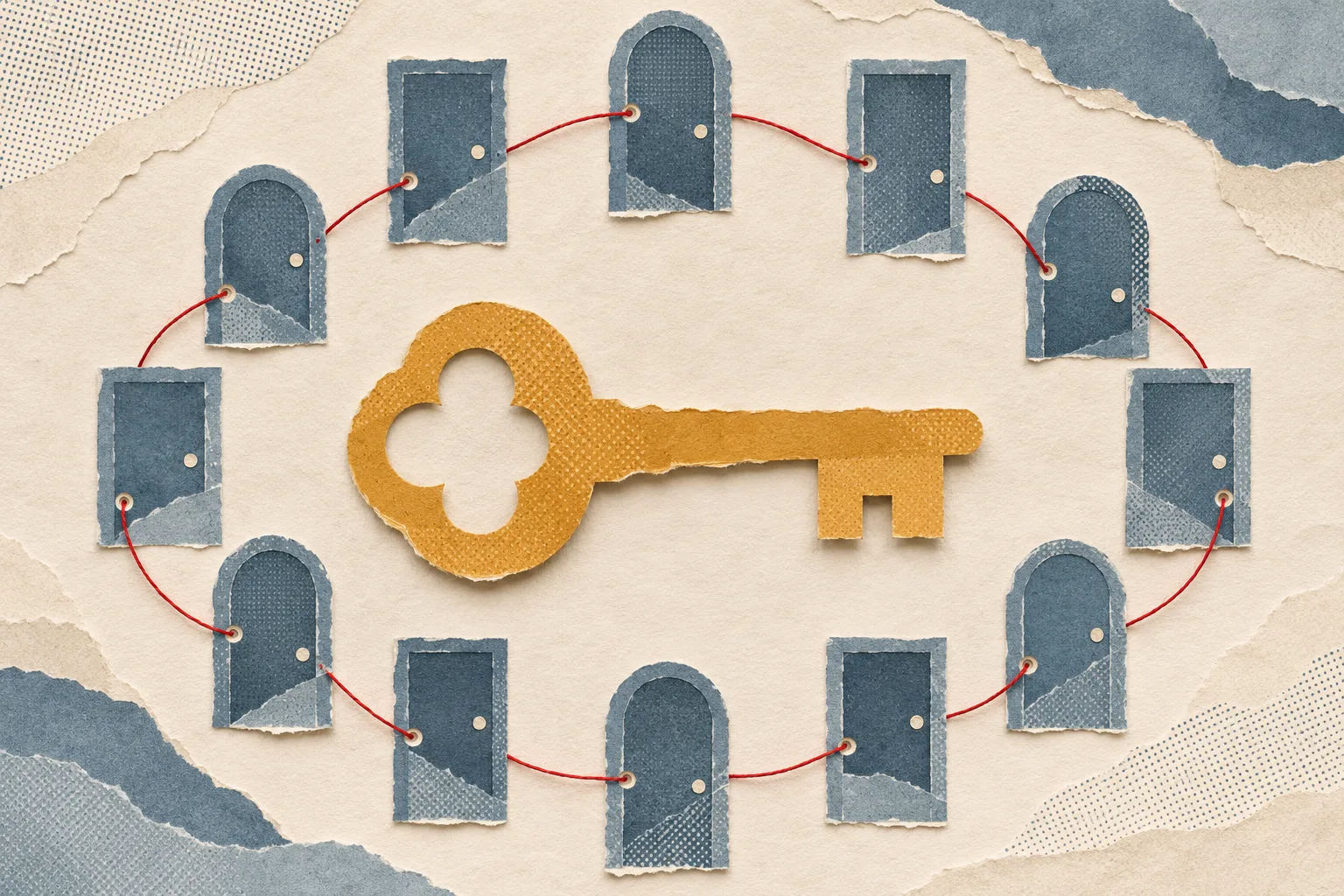
There is a helpful analogy in building security. A single staffed front door is usually better than twenty unmonitored side entrances, and it is also the place where you would not want the guard to be alone, undertrained and able to hand out master keys on request.
Why a fake update works so well here
A caller claiming that a security upgrade is required is using the organization’s own good behavior as cover. Companies really are rolling out passkeys. Employees have been told to expect changes and to cooperate with IT. The pretext is credible because the organization has made it credible, a dynamic related to what we described in how real companies teach customers bad habits.
An organization in the middle of a migration can reduce this risk at little cost by being very specific about how the rollout will happen. If staff have been told that enrollment happens only through a named portal and that IT will never call to walk anyone through it, a phone call to that effect becomes a recognizable departure from the announced process. Without that specificity, there is nothing to depart from.
What authentication strength can and cannot do
Google’s first technical recommendation is to move away from SMS and push-based MFA toward FIDO2 keys or passkeys. The reasoning matches NIST’s current position. NIST SP 800-63B-4 states flatly that “Passwords are not phishing-resistant” and that “OTP authentication is not phishing-resistant,” because a manually entered code is not bound to the session and can be passed on. CISA’s Scattered Spider advisory makes a similar recommendation for FIDO or PKI-based MFA.
Strong authentication closes the specific route Google describes, where a person is persuaded to enter credentials on a fake page. It leaves other routes open. If a help desk can be talked into enrolling a new device, the strong authenticator has simply been replaced. That is why phishing-resistant MFA has limits, and why a passkey rollout is not finished until the lost-device path has been tested. In a concentrated system, the recovery path deserves the same protection as the front door.
Reducing what one session can reach
This is the part of the design that gets the least attention, because it involves many application owners and no single product. The following measures are drawn in part from Google’s recommendations and in part from general access-design practice. The table marks which is which.
| Lever | What it does | Source |
|---|---|---|
| Phishing-resistant sign-in for all users | Removes the most common way of capturing a session at the start | Google; NIST; CISA |
| Review identity logs for new MFA enrollments that closely follow failed or abandoned challenges | Catches the moment a new factor is added | |
| Alert on bulk file access or downloads from programmatic clients | Notices the data theft stage | |
| Teach staff how to verify MFA or passkey requests through official channels | Gives people a defined check to apply | |
| Require a fresh, stronger check to open the most sensitive applications | Means one session does not unlock everything | Our analysis |
| Shorten session lifetimes for high-value applications | Limits how long a captured session is worth anything | Our analysis |
| Grant data access by role, and remove standing access nobody uses | Limits what any one identity can see | Our analysis |
The fifth row is the most direct answer to the problem. It accepts that a session may be stolen and arranges for that session to be insufficient for the systems that matter most. Doing this means deciding which applications count as sensitive, a discussion that usually involves people well outside the security team.
A short exercise for an IT lead
- Pick an ordinary employee account and list every application it reaches through SSO. Most teams are surprised by the length.
- Mark the ones that hold bulk customer data, financial authority or administrative power.
- For each marked application, ask whether an existing SSO session is enough to get in.
- Ask how quickly a large download from one of them would be noticed, and by whom.
- Check the path for adding a new authenticator. Would the account owner be told?
The aim of the exercise is a one-page picture of what a single persuaded employee can unlock. The answer belongs in a risk discussion, since it is rarely recorded anywhere and it changes every time an application is connected. The app consent queue is one of the places where that reach grows without anyone deciding that it should.
A note for smaller organizations
Much of this advice assumes a security team with time to tune alerts. A small company often has one IT person and a handful of connected services, and it may have adopted SSO because it was bundled with the productivity suite it already pays for. The same three variables still apply at that size, and the cheapest changes tend to be the most useful: turn on the strongest sign-in method the existing plan offers, make sure a new authenticator triggers a notice to the account owner, and limit which accounts can reach payroll and banking. A short written rule about how IT will and won’t contact staff costs nothing and can be sent this afternoon.
Don’t blame the person on the phone
An employee who takes a call from “IT” about a mandatory update is doing what workplaces ask them to do, cooperating with a process they have been told to expect. Google’s description of high-volume calling implies something else as well: at scale, some calls will land on someone busy, new or conscientious. The architecture has to assume that. The NCSC’s 2026 lessons make a related observation that the sophistication of an attack often shows up after initial access. In a concentrated identity system, what happens after that first success is the part most within your control.
Sources
- BlackFile vishing and extortion operation (Google Threat Intelligence Group, May 2026): group activity, targets, extortion, defensive recommendations.
- SP 800-63B-4, Authenticators (NIST): phishing resistance definitions.
- Advisory AA23-320A (CISA, revised July 29, 2025): phishing-resistant MFA recommendation.
- Seven things learned (NCSC, November 3, 2026): lesson on sophistication.
Found a factual error or a source that has changed?
Send a correction →